fax-from-computer.com: Send a fax from your computer
fax-from-computer.com is the fastest way to fax from a Windows PC or a Mac. Powered by FaxToFax.com, it runs in your web browser: no fax modem, no driver, no software to install, and no fax machine on the desk.
- $4.99 first month
- Nothing to install
- Encrypted & audit-logged
- Cancel online any time
Watch the 2½-minute tour of the FaxToFax.com dashboard that powers fax-from-computer.com
Fax online with fax-from-computer.com in three steps
Attach a PDF, JPG or PNG from your computer, or write the fax in the composer on your own letterhead, then send it to up to 50 fax numbers. Faxes you receive arrive in an encrypted inbox in the same browser tab.
Choose your fax number
Pick a local or toll-free US or Canadian fax number when you sign up.
Send from your browser
Compose on your letterhead or attach PDF, PNG or JPG files, then send to up to 50 recipients.
Receive securely
Incoming faxes land in a private, encrypted inbox, with an alert in the app and browser.
Why fax-from-computer.com beats fax software and modems
Old ways of faxing from a computer meant a fax modem, a phone line and software that only worked on one machine. fax-from-computer.com, powered by FaxToFax.com, works on any computer with a browser, and your fax number, contacts and history are the same on every one.
You get a local or toll-free US or Canadian fax number, cover pages with your logo, scheduled sending up to 90 days ahead, and a time-stamped receipt for every delivered fax. Team roles and a shared inbox make it easy for an office to share one number.
Security is built in: encryption in transit and at rest, two-step verification, an append-only audit log and automatic purge on your retention schedule, with safeguards built for HIPAA, ABA Model Rule 1.6(c) and GLBA.
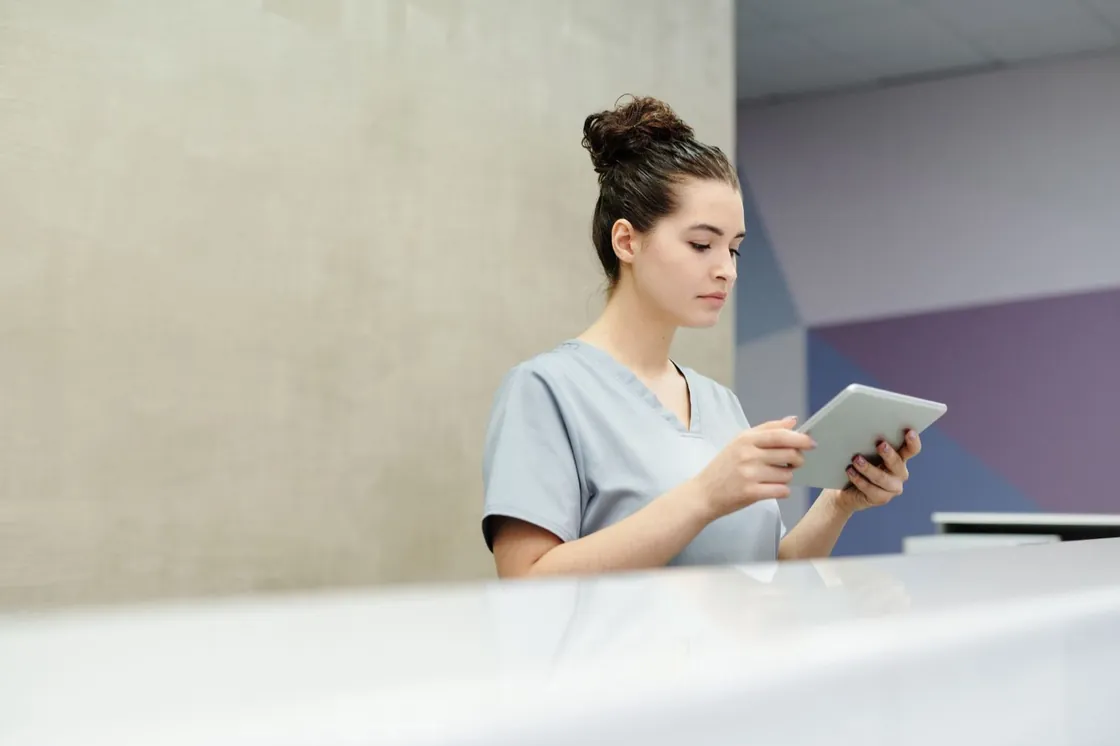
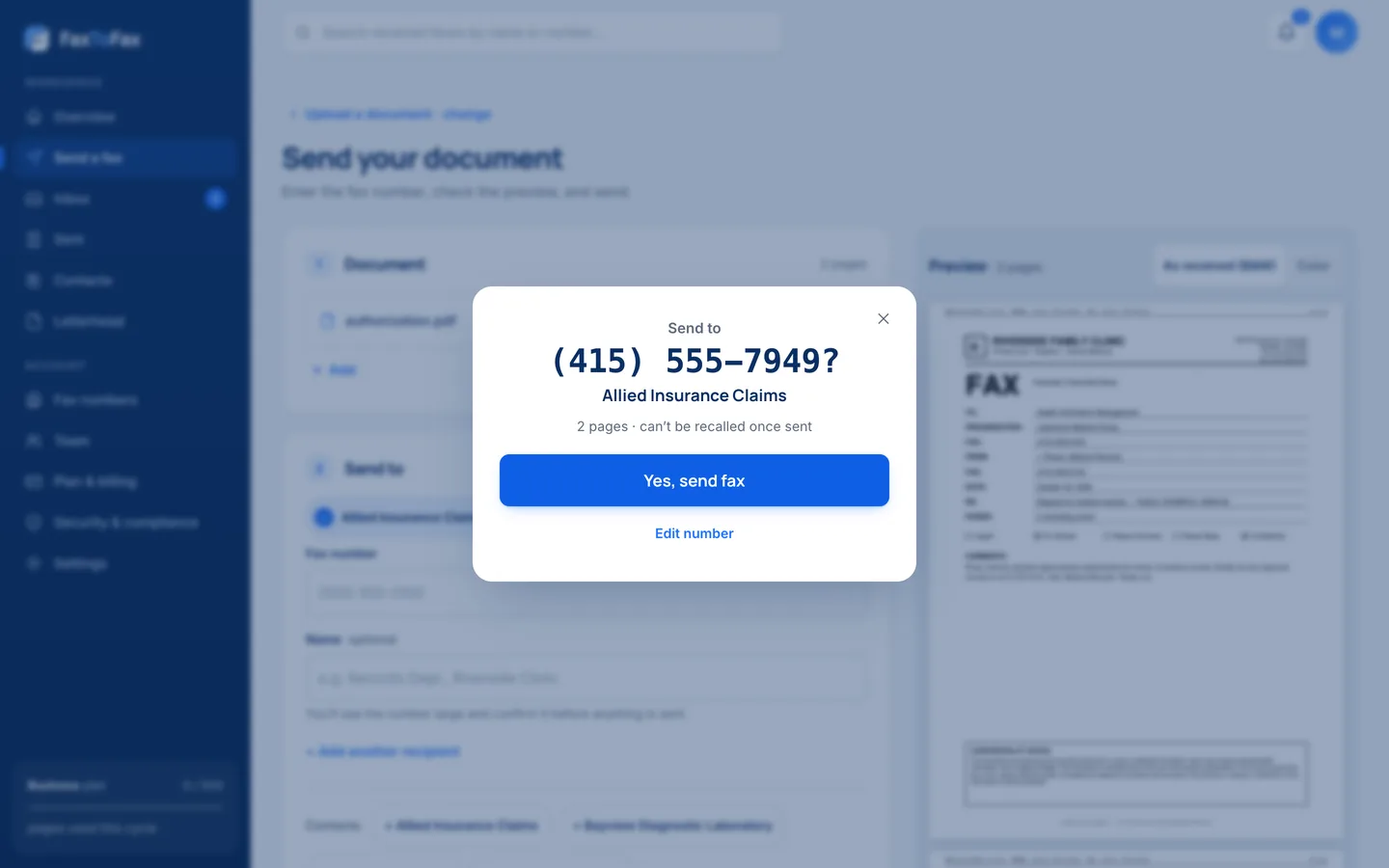
Compose on your letterhead. Send to up to 50 recipients.
Attach PDF, JPG or PNG files, add a cover page with your logo, and send now or schedule it for later. Every fax gets a time-stamped delivery receipt.
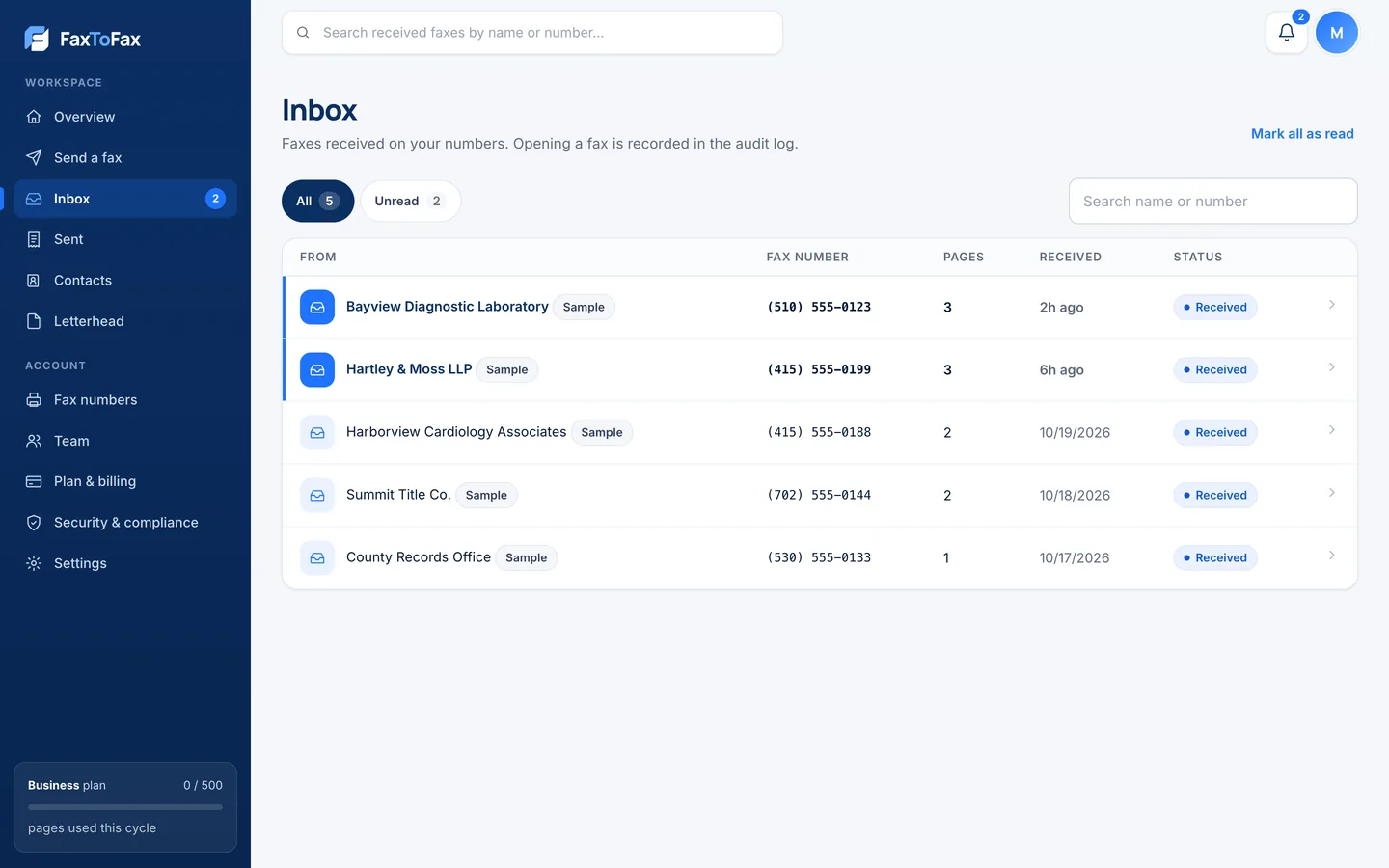
A private inbox instead of a paper tray
Incoming faxes arrive in your browser inbox, stored encrypted. You get an alert in the app and browser, never the document as an email attachment.
- New-fax alerts in the app and browser
- Shared inbox with roles for your team
- Every view and download recorded
- Automatic deletion on your retention schedule
Who uses fax-from-computer.com
Fax machines are still everywhere: at hospitals, courts, pharmacies and banks. You send from the browser; they receive on the machine they already trust.

Healthcare
Referrals, lab results and records to hospitals and specialists, with a BAA available on Business plans.

Pharmacies
Prescriptions and refill requests to and from clinics, landing in a private encrypted inbox.

Legal
Court filings and client documents with the encryption and audit trail confidentiality rules expect.

Financial services
Signed forms and statements, built for the GLBA Safeguards Rule.
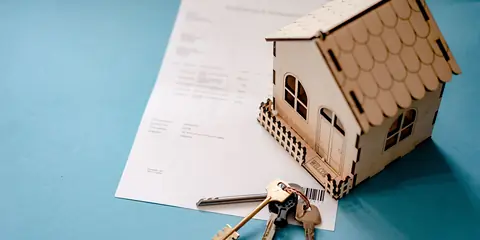
Real estate & title
Offers, contracts and closing documents sent from wherever the deal is happening.

Government
Applications and forms to the offices that still only accept fax.
What you need for regulated faxing. Nothing you don't.
Fax composer
Cover pages with your logo and letterhead, reusable templates and a live preview.
Up to 50 recipients
Send one fax to many numbers, each confirmed before it goes out.
Scheduled sending
Pick a date and time up to 90 days ahead and cancel any time before it sends.
Delivery receipts
A time-stamped confirmation saved with every fax you send.
New-fax alerts
In-app and browser notifications the moment a fax arrives.
Contacts
Saved recipients so you never retype a fax number.
Safeguards on by default
fax-from-computer.com runs on FaxToFax.com, with safeguards built for HIPAA, ABA Model Rule 1.6(c), the GLBA Safeguards Rule and CCPA.
fax-from-computer.com plans
Renewal price shown up front. Cancel online any time.
Personal
Then $18.99/mo. For individuals and small offices.
- 200 pages a month (sent + received)
- $0.10 per page over plan
- 1 user
- 1 local or toll-free fax number
- Fax composer with your letterhead
- Audit log and retention controls
Business
Then $39.99/mo. For growing teams.
- 500 pages a month (sent + received)
- $0.07 per page over plan
- 5 users (+$10/mo per extra user)
- BAA available
- Team roles and a shared inbox
- Scheduled sending
fax-from-computer.com questions
How do I send a fax from my computer?
Open fax-from-computer.com, press Get Started and pick a fax number. Then attach your file in the browser, enter the fax number and send. No software or modem is needed.
Does fax-from-computer.com work on Windows and Mac?
Yes. FaxToFax.com runs in any modern web browser, so it works on Windows, Mac, Chromebook and Linux computers.
Can I receive faxes on my computer?
Yes. Faxes sent to your number arrive in a private, encrypted inbox, and your browser alerts you when a new one comes in.
How much does fax-from-computer.com cost?
Personal is $4.99 for the first month, then $18.99/mo for 200 pages. Business is $14.99 for the first month, then $39.99/mo for 500 pages and 5 users.
All fax-from-computer.com questions › · How to send a fax online, step by step ›
Start faxing online with fax-from-computer.com
Get your fax number in minutes and send your first fax today. $4.99 for your first month, cancel online any time.
Get Started Now →